Understand
What a saved link includes
See which details you add, which arrive from a preview, and what is available while your device is offline.
A saved link starts with its address. You can add a title of your own, put it in one list, give it several tags, and write a note. You can pin it, archive it, or move it to Trash without changing the original address.
Your details and fetched details
The title you write is yours. A preview may supply a page title and image when one is available, but it doesn’t replace your title. These fetched details are kept separately from the fields you edit, so a preview arriving later doesn’t overwrite your note or tags. Link previews explains the different fetch paths and why some pages provide no details.
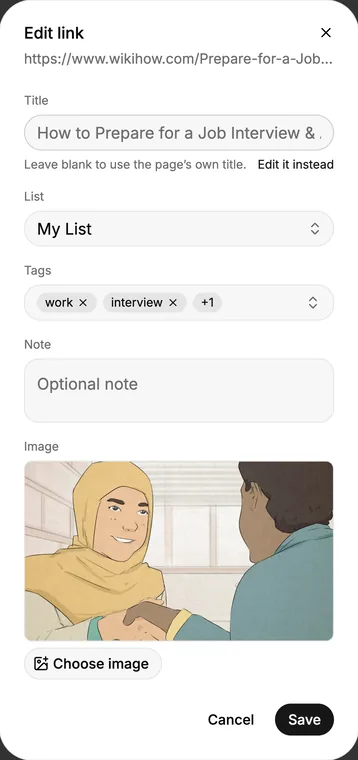
The saved link is a pointer to a live page. The local copy lets you see its address, title, tags, note, and preview while offline. Opening the live page still needs a connection.
For a portable copy, export as a Bracemark backup. HTML bookmarks, CSV, and plain text leave out different fields; choose the format for where the links are going.